
PaceLink Go
Keep your navigation.
See your people.
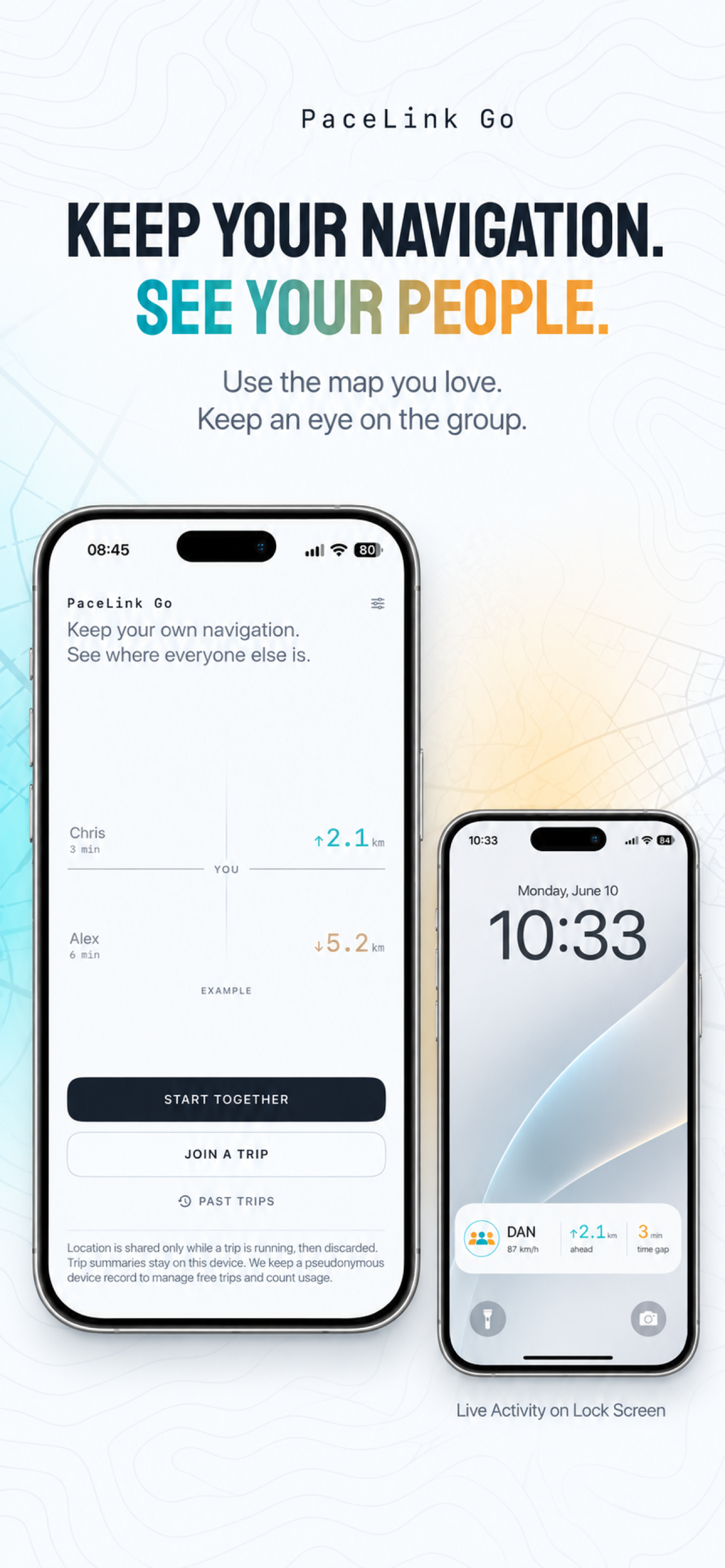
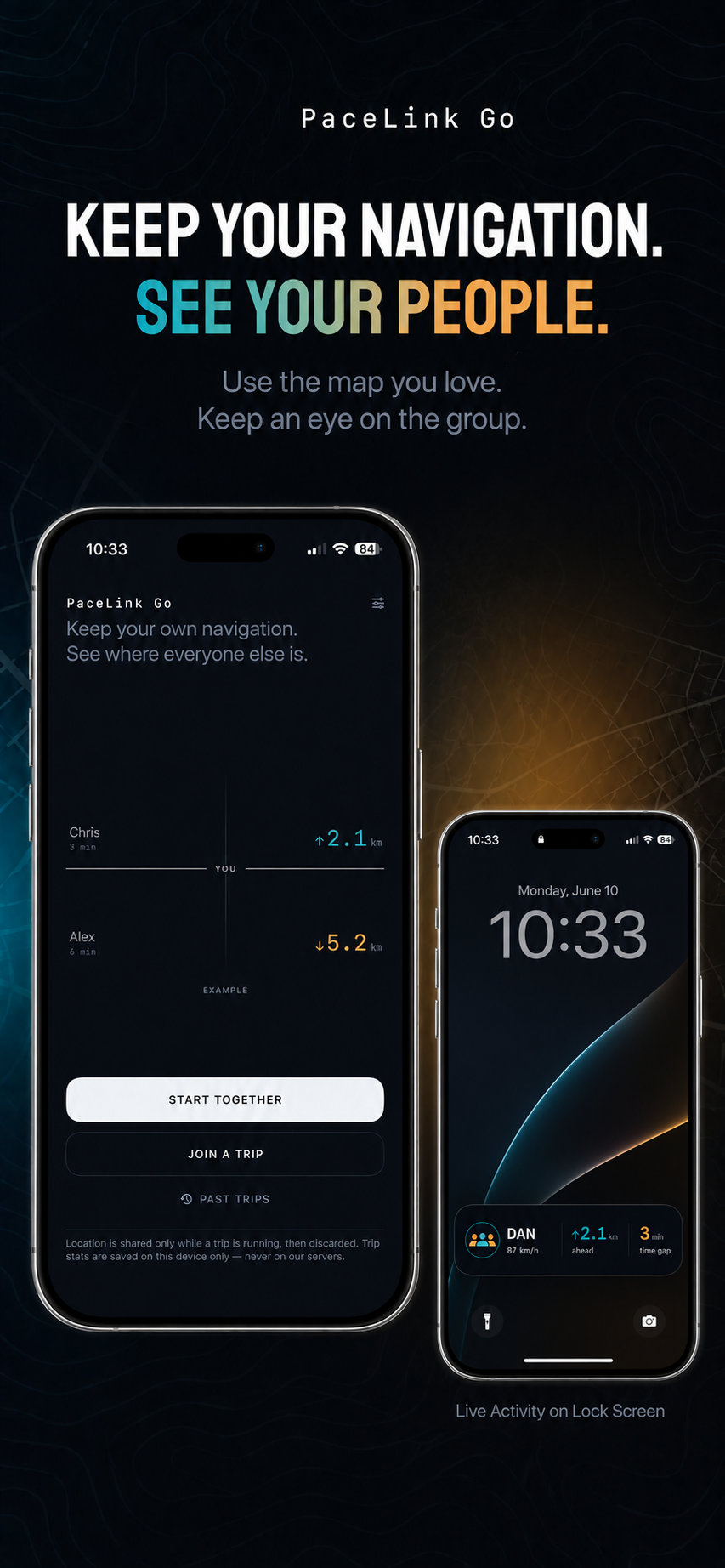
Travelling together in separate cars? See who is ahead, who is behind, and how far apart you are, while everyone keeps using their favourite navigation app.

Simple pricing
One pass. Your whole group.
A Trip Pass pays for live location sharing and gap updates during one shared trip, for up to five people including the host.
Try hosting
2 free trips
Up to 12 hours each, per eligible device. Try it with your group before buying a pass.
Host after that
€0.99 / Trip Pass
One purchase covers one group trip for up to 24 hours. Only the person creating the trip pays.
Join a trip
Always free
Everyone invited joins with a link or code. Guests don’t need to buy a pass.
- When do the 24 hours start?
- When the first guest joins. Time runs continuously from then; ending early doesn’t save the remaining hours for another trip.
- Need more time?
- Buy another Trip Pass to add 24 hours while the trip is still active. Nothing renews automatically.
Purchases are made in the app. Prices vary by country and currency; your store shows the final price before you pay. Welcome-trip eligibility requires device verification, and creating an invitation uses one free trip even if nobody joins. Full offer details.
Together, from the start
Your route. Your group.
One shared trip.
No account required. Up to five people per trip. Joining is free.
PaceLink Go in motion
See the gap.
Stay together.
Ahead, behind, and catching up. Watch how PaceLink Go keeps your people in view as the distance between you changes.
A little closer.
Every kilometre.
Keep Your Navigation
Keep using Apple Maps, Google Maps, Waze, or your preferred navigation app. PaceLink Go runs alongside it to show the group's relative positions, distance gaps, and estimated time gaps.
Live Activity & CarPlay
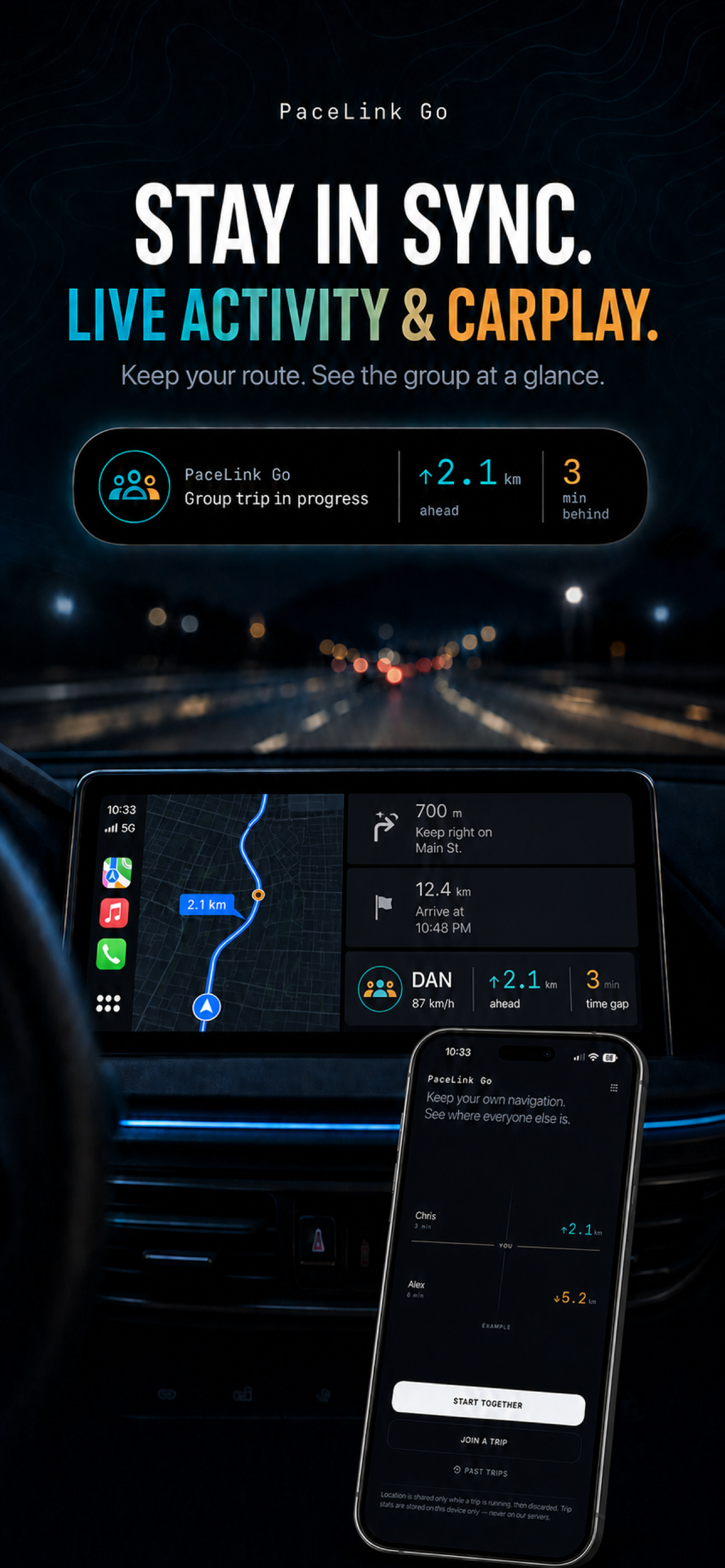
Check your group from the Lock Screen, Dynamic Island on supported iPhones, and Live Activities on compatible CarPlay systems. Updates depend on your connection and system settings.
A Trip, Not an Account
Pick a display name and share an invitation link or short code. Up to five people can travel together. Your name and live trip information are shared with the people who join, so send invitations only to people you trust.
Location for the Journey
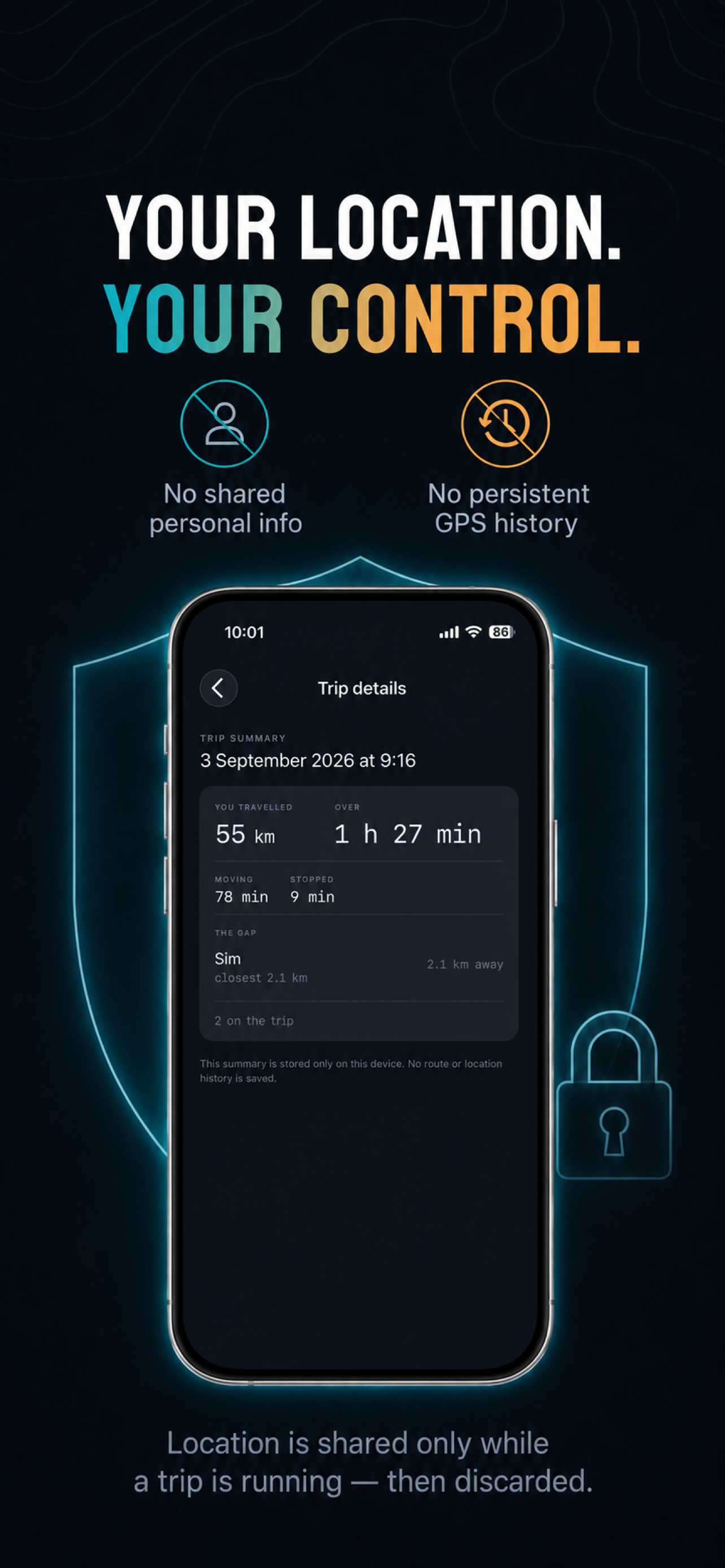
Share your location while travelling together. Leave the trip whenever you want to stop sharing, or end it for everyone as the host.
Past Trips on Your iPhone
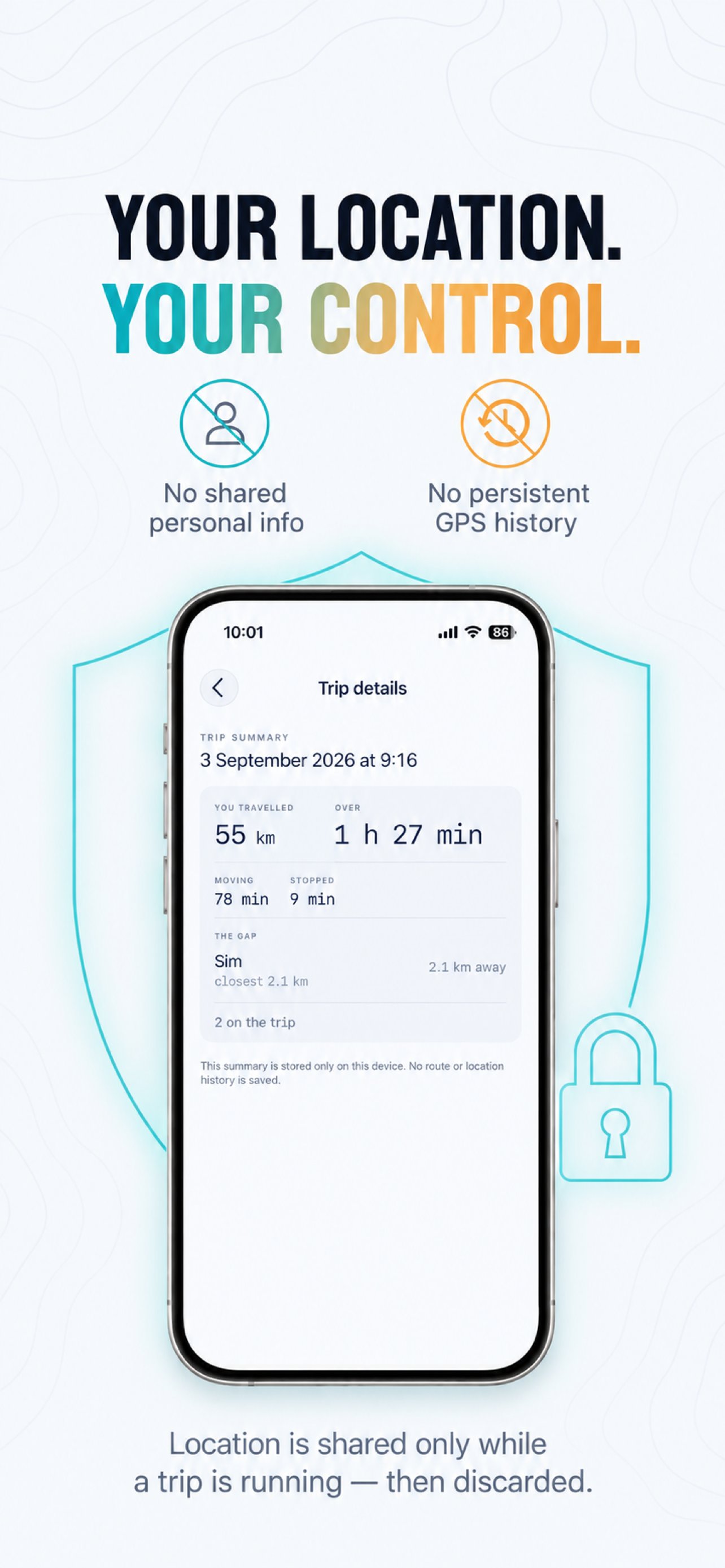
Look back at distance travelled, time moving and stopped, speed statistics, and gaps to your companions. Summaries include companion names and stay in local app storage. No saved route or GPS history is included.
Simple Trip Passes
One host buys a pass for the whole group: up to five people, sharing one trip for up to 24 hours. Guests always join free. No subscription or automatic renewal. See pricing and free welcome trips.
Ready when you are.
Requires an iPhone with iOS 26 or later, location permission, and an internet connection. Allow background location to keep sharing while using navigation. Set up your trip before driving and check the app only when safe.
€0.99 per 24-hour group trip
Only the host pays · Joining is free · No subscription